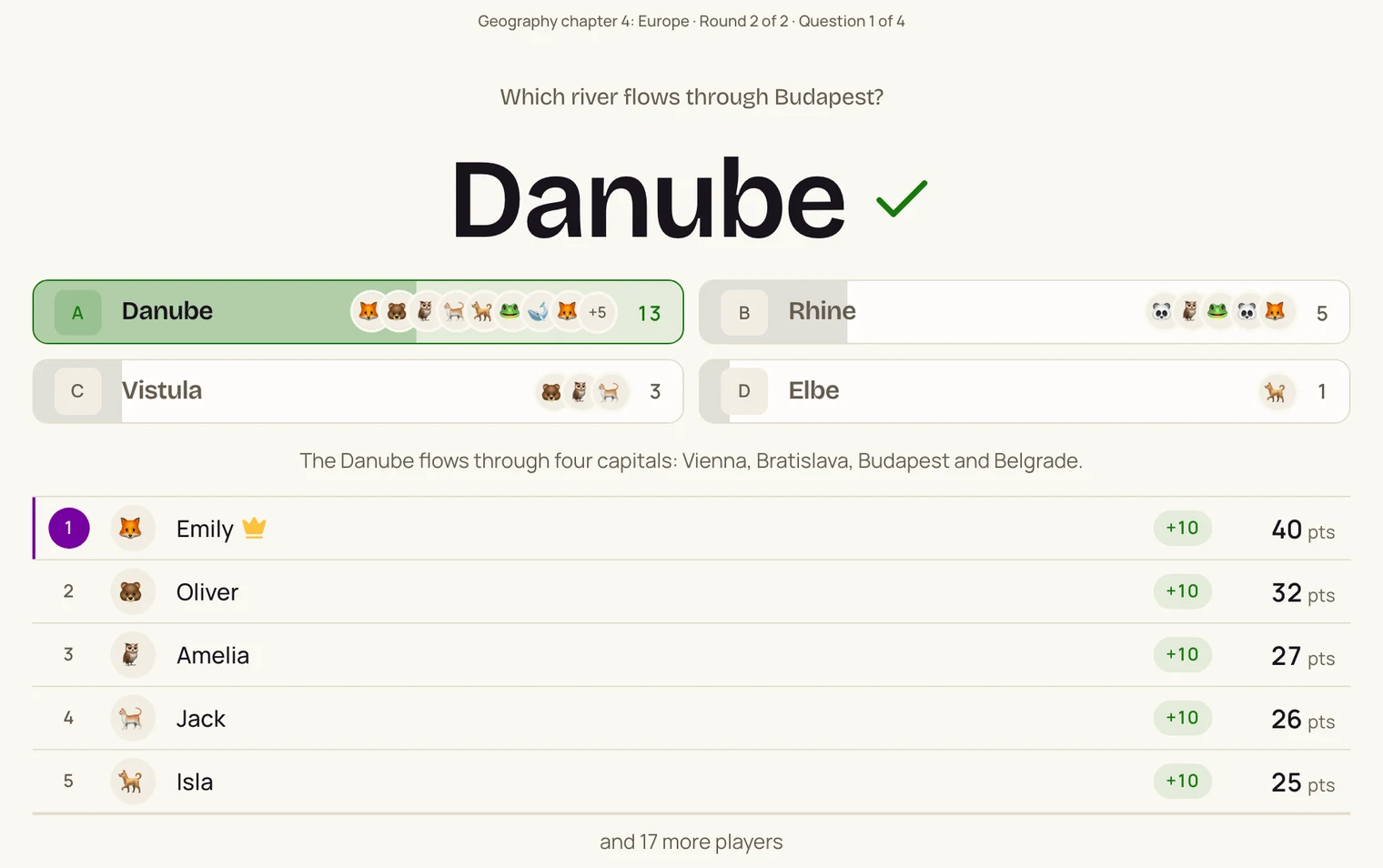

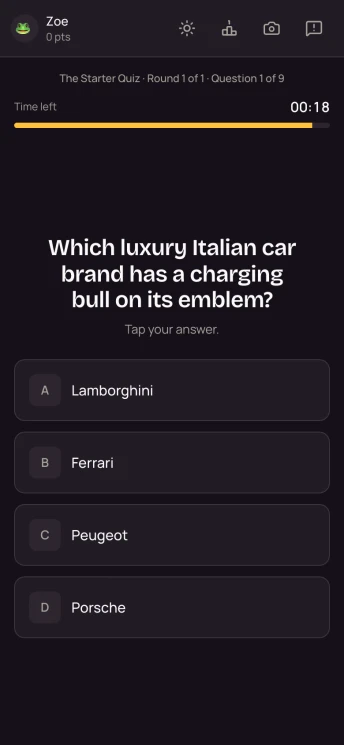

- Make a round per chapter. Type in your questions and pick the question type and thinking time for each one. Add a short explanation: it appears on the board after the answer. Bundle rounds into a quiz, for instance one round per section.
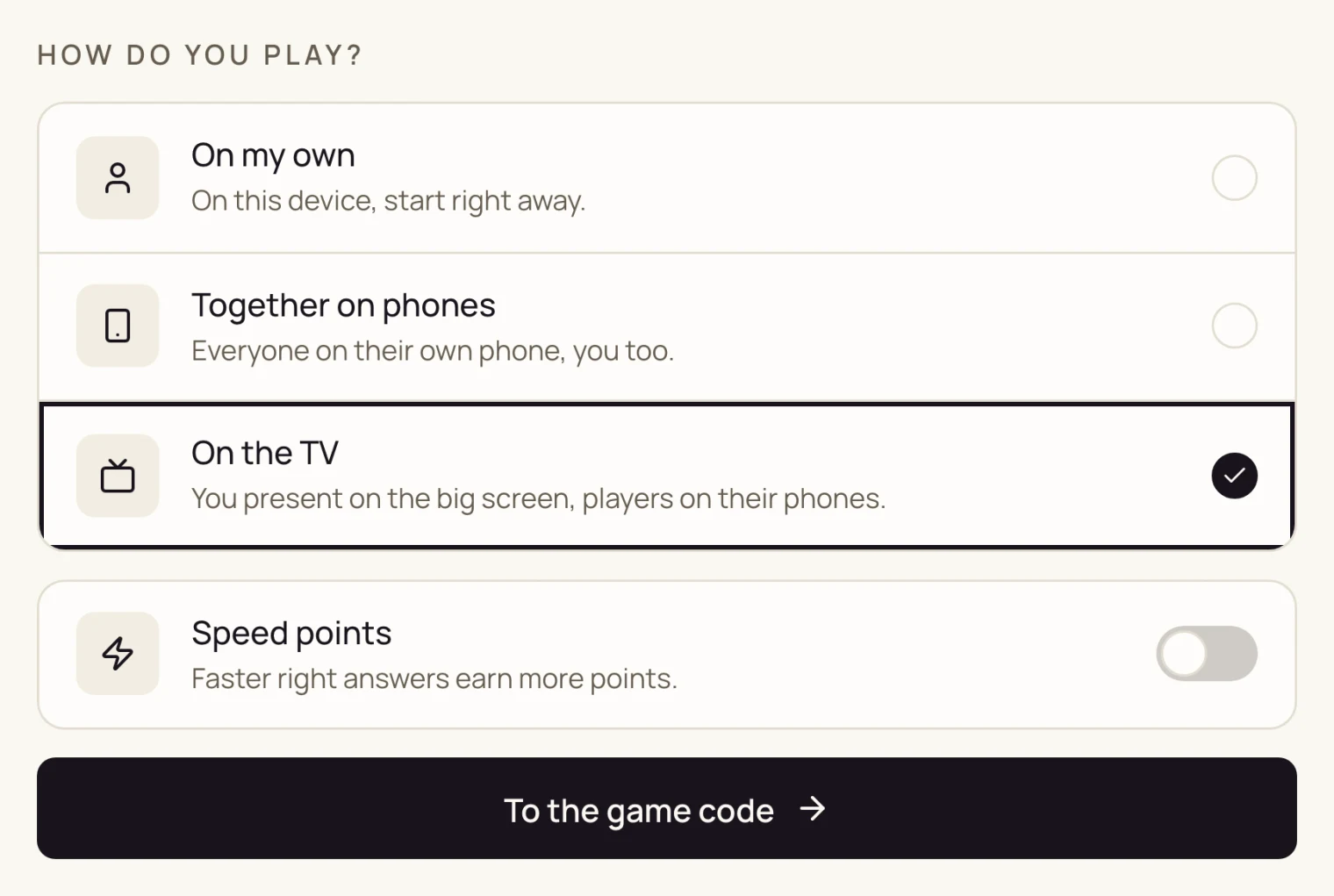
- Put the quiz on the whiteboard. Choose On the TV: the question shows large on the board, with the code and a QR code to join. Switch speed points off if you want pupils to think rather than race.
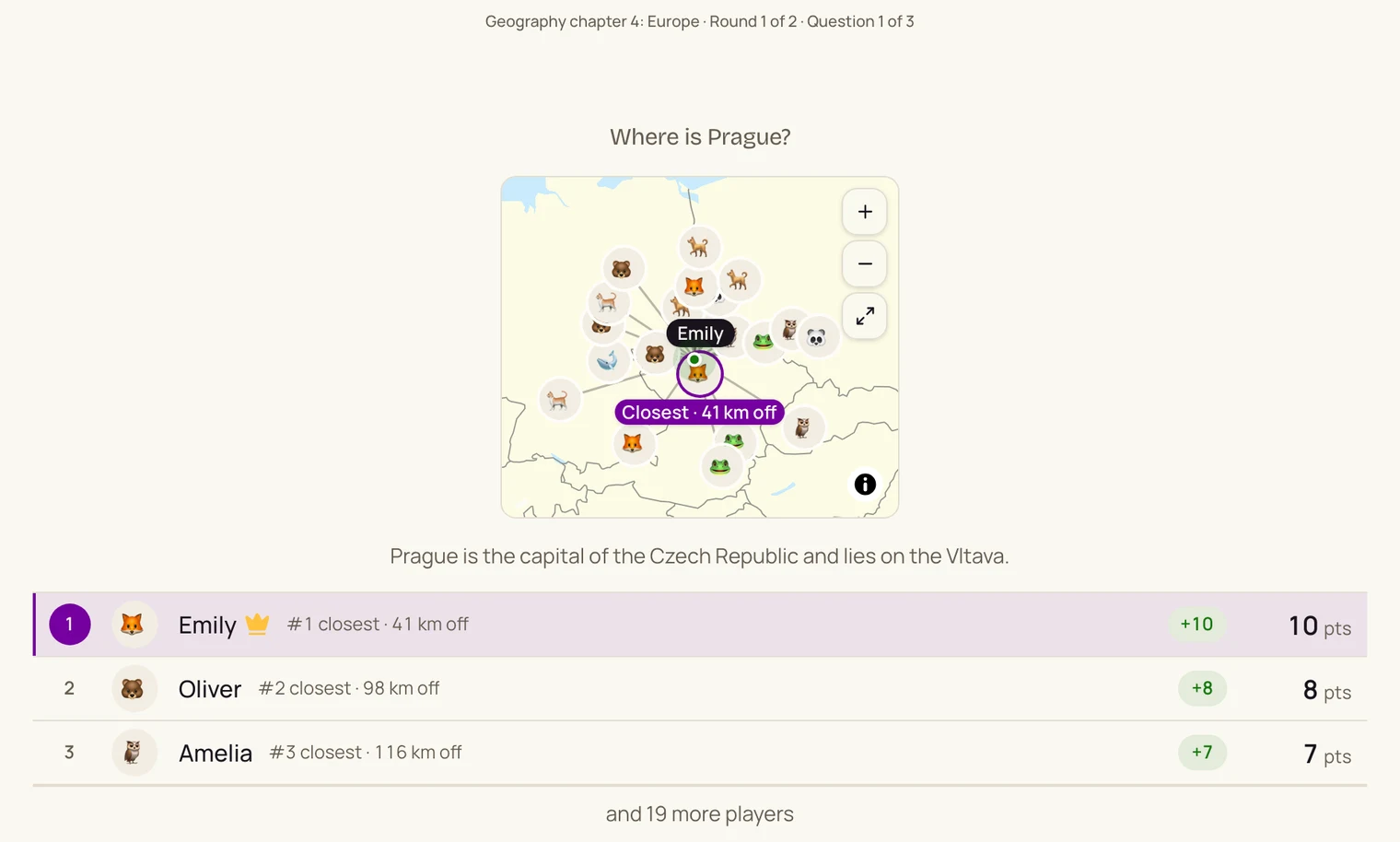
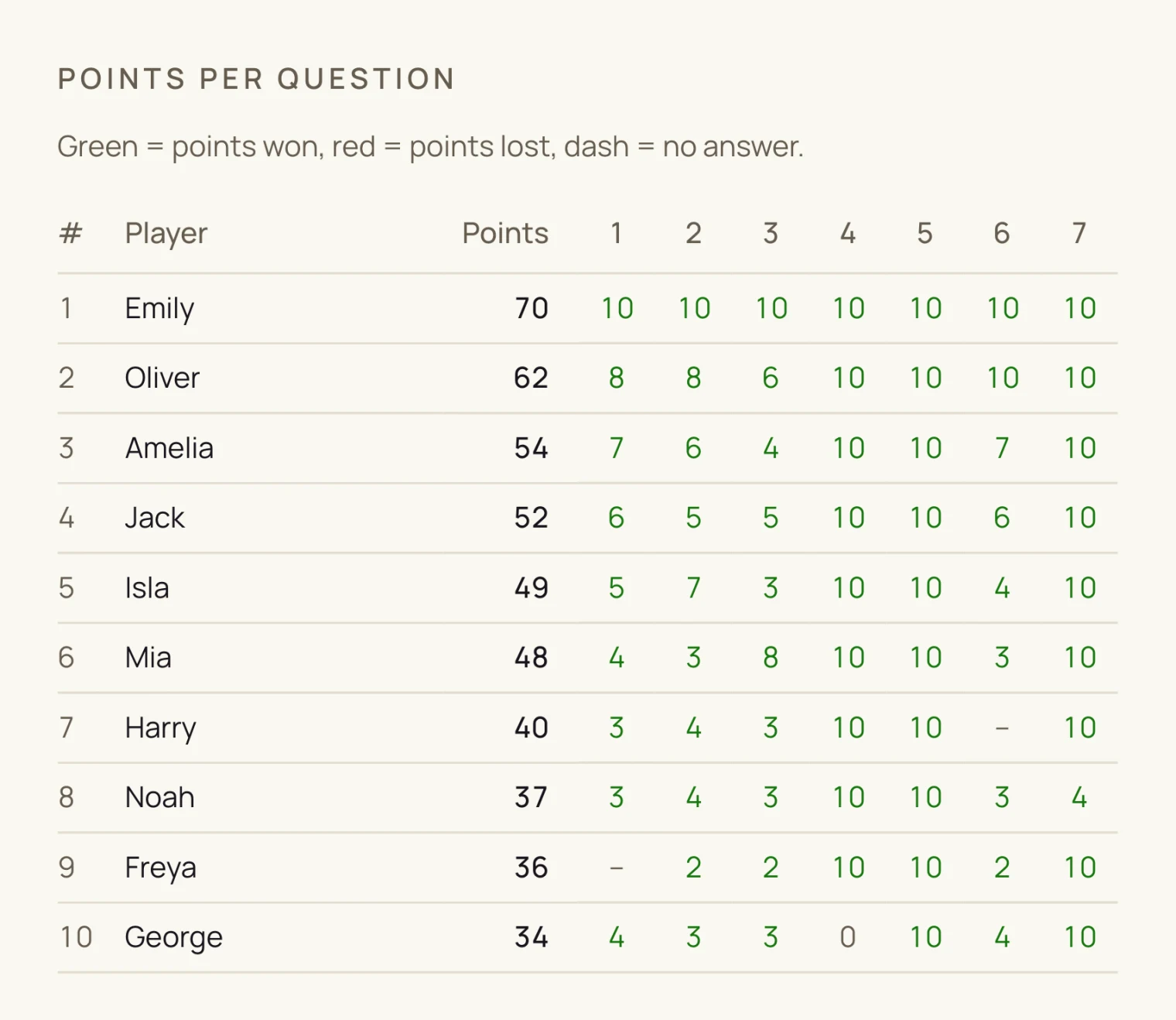
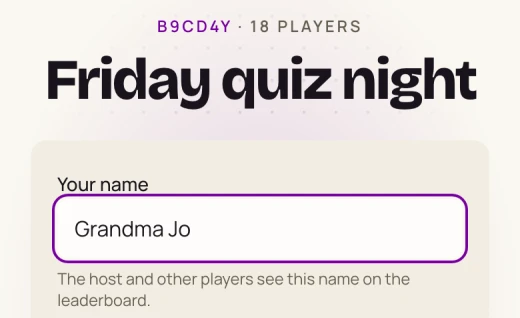
- Pupils join in the browser. On a phone, laptop or Chromebook they go to kwishetwel.com/join, enter the code and pick a name. No app and no account. Afterwards the results show, per pupil and per question, who scored.
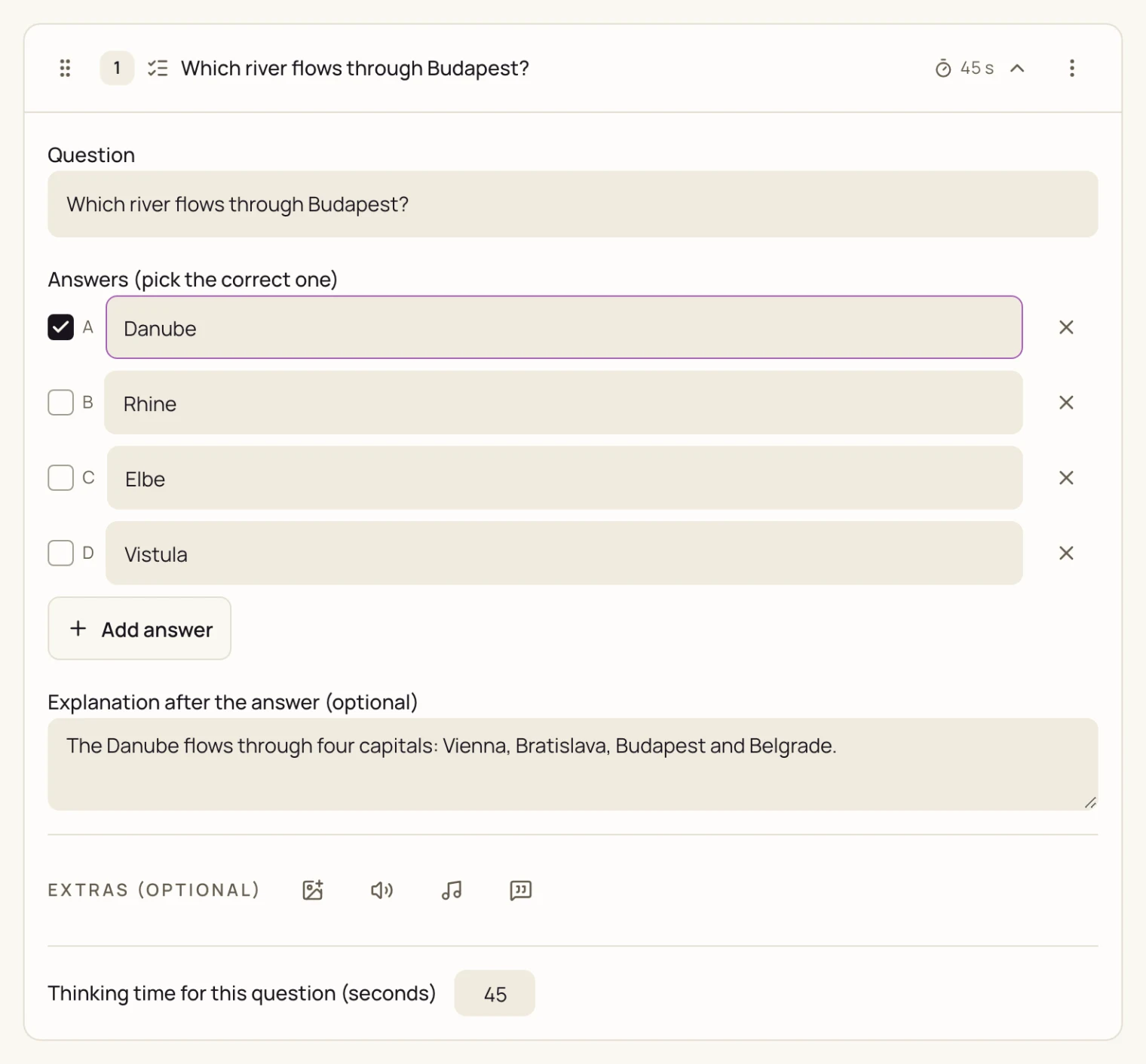
In the editor you set the thinking time per question and write the explanation that appears after the answer.
Making your own questions is part of the Ultimate plan. You can try it free once: 10 rounds within 7 days, no payment details needed. A draft you only test on your own does not count.